Product background remover

Remove product photo backgrounds with clean, transparent edges

Prepare product and portrait cutouts without hiding the quality choice. Use a precision route for fine edges or a faster route for clean, simple subjects, then download a transparent PNG for your listing or campaign.
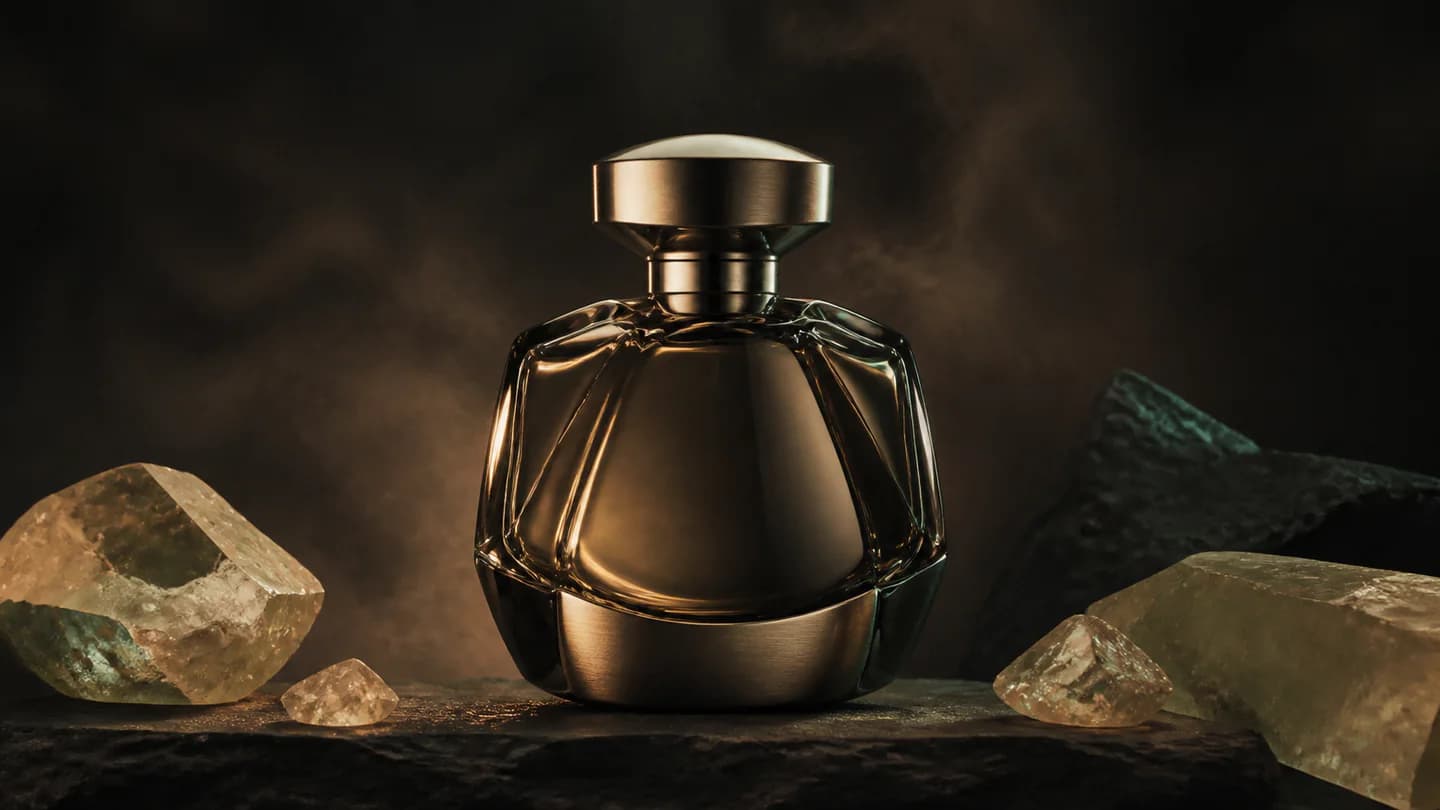
A premium product photograph shown before and after AI background removal
Before / transparent PNG

Quick answer

What is the best way to remove a product photo background?

Upload a clean JPEG, PNG, or WebP, choose precision for hair and fine product edges or speed for simple subjects, then review the transparent PNG at full size. Editing App keeps source and result files private and uses edge-aware model routing.

Best for
Ecommerce products, catalogs, marketplace listings, portraits, thumbnails, and campaign cutouts.
Starts with
A private JPEG, PNG, or WebP image and a precision, speed, or Autopilot choice.
Produces
A private transparent PNG with edge-aware foreground separation.

What you can produce

Precision matting for hair, soft detail, and product edges
Fast removal for simple, high-contrast subjects
JPEG, PNG, and WebP source validation
Private transparent PNG delivery

How the workflow works

  1. 01Upload a JPEG, PNG, or WebP product photo or portrait.
  2. 02Choose precision, speed, or let Background Autopilot select the route.
  3. 03Run the private cutout job and inspect fine edges at full size.
  4. 04Download the transparent PNG for ecommerce, design, or campaign use.

Built for repeatable creative work

Ecommerce listings
Product catalogs
Portrait cutouts
Campaign composites

Frequently asked questions

Which model should I choose for a product photo?

Use the precision route for hair, translucent materials, soft product detail, and complex edges; use the speed route for clean, simple subjects; or let Autopilot decide.

What output format is delivered?

The completed cutout is stored privately and delivered as a transparent PNG.

Which image formats can I upload?

The background-removal workflow accepts validated JPEG, PNG, and WebP source images.

Are the original and cutout images public?

No. Source files and completed results stay in private storage and are accessed through short-lived signed links.

Continue exploring

Connect this workflow to the complete creative suite.