AI video generator

AI video generator with premium model choice and production controls

Start with the shot you need, then choose the model that can actually deliver it. The studio exposes compatible duration, resolution, aspect, camera, and native-audio controls before a paid generation begins.
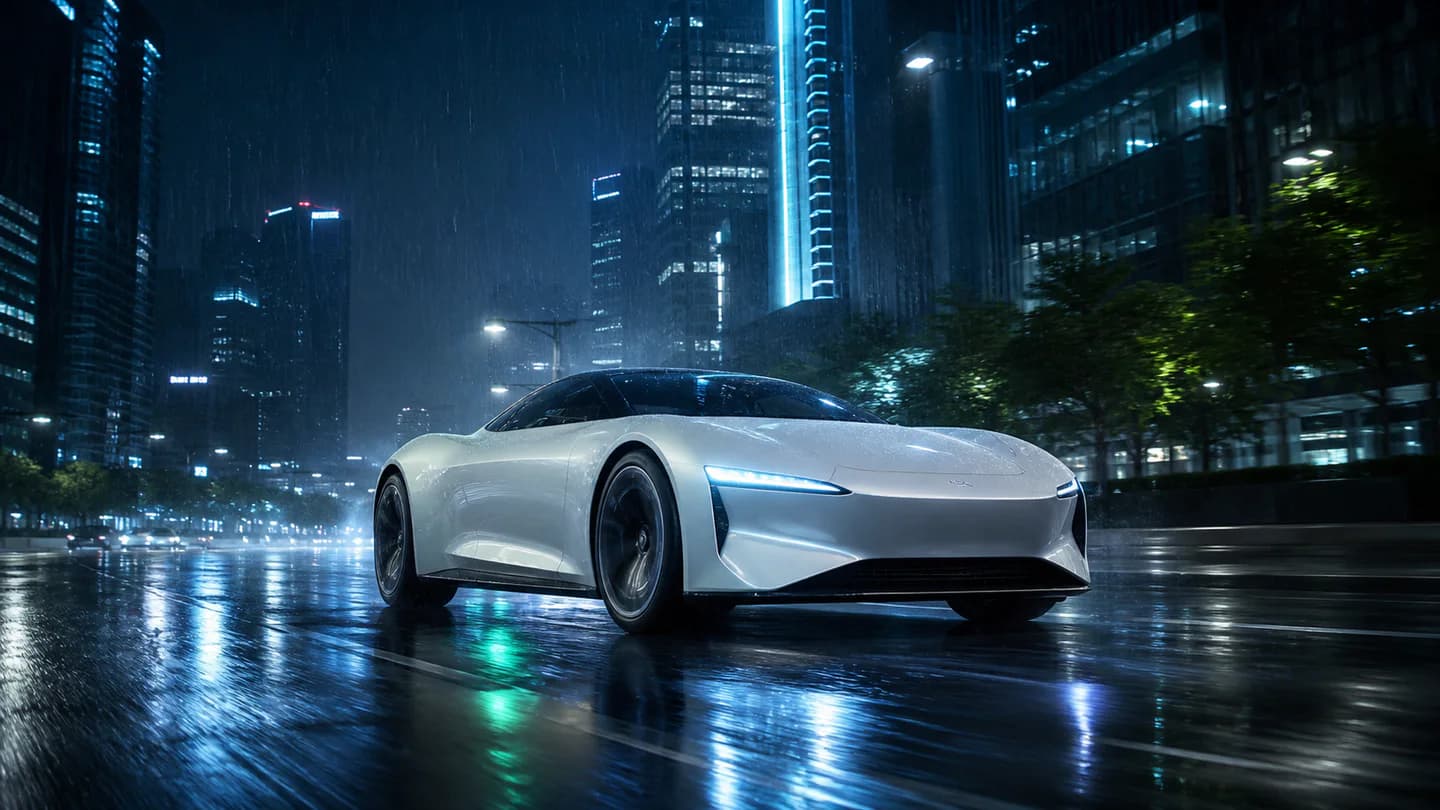
A cinematic concept car shot representing premium AI video generation
Multi-model video preview Preview

Quick answer

Which AI video generator should I use for marketing creative?

Use a generator that exposes model, duration, resolution, aspect ratio, camera, and audio limits before rendering. Editing App lets you choose a compatible premium model or use Model Autopilot instead of hiding every request behind one generic route.

Best for
Product launches, social campaigns, cinematic concepts, brand films, agency production, and commercial shot exploration.
Starts with
A text production brief with subject, action, setting, camera, mood, aspect ratio, duration, resolution, and optional audio direction.
Produces
A private model-compatible video master with the selected model and production settings recorded.

What you can produce

Selectable Seedance, LTX, Veo, and Kling routes
Text-to-video direction for camera, mood, format, and audio
Compatibility checks before a paid provider request
Private, retry-safe generation delivery

How the workflow works

  1. 01Describe the subject, action, setting, camera move, and visual mood.
  2. 02Choose a compatible premium model or let Model Autopilot route the shot.
  3. 03Set only the duration, resolution, aspect, and audio options the model supports.
  4. 04Review and download the private video master when the durable job completes.

Built for repeatable creative work

Product launch shots
Social campaign videos
Cinematic concepts
Agency creative tests

Frequently asked questions

Can I choose the AI video model?

Yes. Choose an approved Seedance, LTX, Veo, or Kling route, or use Model Autopilot for a compatibility-aware recommendation.

Does every model support 4K and long clips?

No. Model limits differ. Editing App changes the available duration, resolution, aspect, and audio controls to match the selected route.

Can the video include generated audio?

Yes, when the selected model supports native audio. Audio controls stay unavailable for incompatible models.

How are paid renders protected from duplicate retries?

Durable job checkpoints record provider submission and delivery so a delivery retry does not silently start the same paid generation again.

Continue exploring

Connect this workflow to the complete creative suite.