Image to video AI

Turn a photo into a directed AI video with source fidelity

Animate the frame you already like without rewriting its entire visual identity. Direct movement, camera, pacing, and optional first-to-last-frame transitions while the source image remains the creative reference.
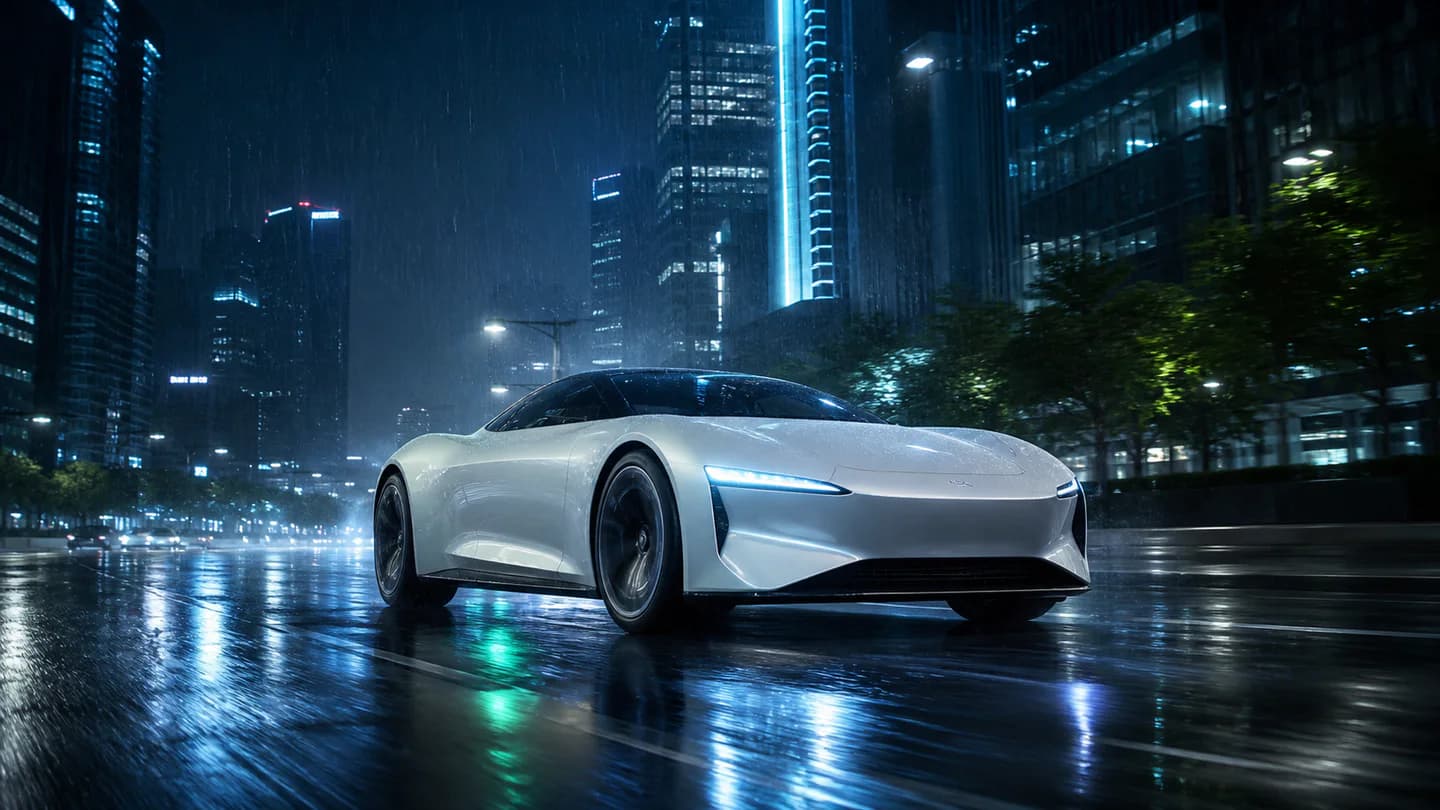
A still campaign image transforming into a cinematic AI-generated video
Photo to directed AI motion Preview

Quick answer

How do you turn an image into an AI video?

Upload a private start image, describe only the motion and camera direction, choose a compatible model, and optionally add an end frame. Editing App preserves the source as the visual reference while validating duration, resolution, aspect, audio, and transition support.

Best for
Product reveals, campaign art, portraits, character shots, landscapes, concept frames, and first-to-last-frame transitions.
Starts with
A start image, optional end image, motion brief, camera direction, style, motion intensity, and a compatible model or Autopilot.
Produces
A privately delivered MP4 that animates the source image with recorded model and motion settings.

What you can produce

Premium Seedance, Veo, Kling, and LTX image-to-video routes
Identity and product-detail preservation direction
Optional first-to-last-frame transitions on compatible models
Camera, motion intensity, aspect ratio, and native-audio controls

How the workflow works

  1. 01Upload a private start image and, when needed, an optional end frame.
  2. 02Describe motion, camera direction, pacing, and the details that must stay unchanged.
  3. 03Choose a compatible model or use Motion Autopilot for a supported route.
  4. 04Review the private animated result and download the completed MP4.

Built for repeatable creative work

Product animation
Portrait motion
Campaign art
First-to-last-frame transitions

Frequently asked questions

Which image-to-video models can I choose?

The studio includes approved Seedance, Veo, Kling, and LTX routes plus Motion Autopilot, subject to current provider availability.

Can I control the first and last frame?

Yes. Add an optional end frame and the studio limits routing to models that support first-to-last-frame generation.

How does the app preserve my product or subject?

Identity lock adds explicit source-of-truth direction for faces, product design, colors, proportions, materials, visible text, and scene continuity.

Can every model generate 4K or a long clip?

No. The interface and server only allow duration, resolution, aspect, audio, and end-frame combinations supported by the selected model.

Continue exploring

Connect this workflow to the complete creative suite.