Long video to shorts

Turn long videos into short clips with AI Clipper

Upload a recording once, choose the analysis model, and use scene, transcript, silence, and highlight suggestions to build short-form cuts without surrendering timeline control.
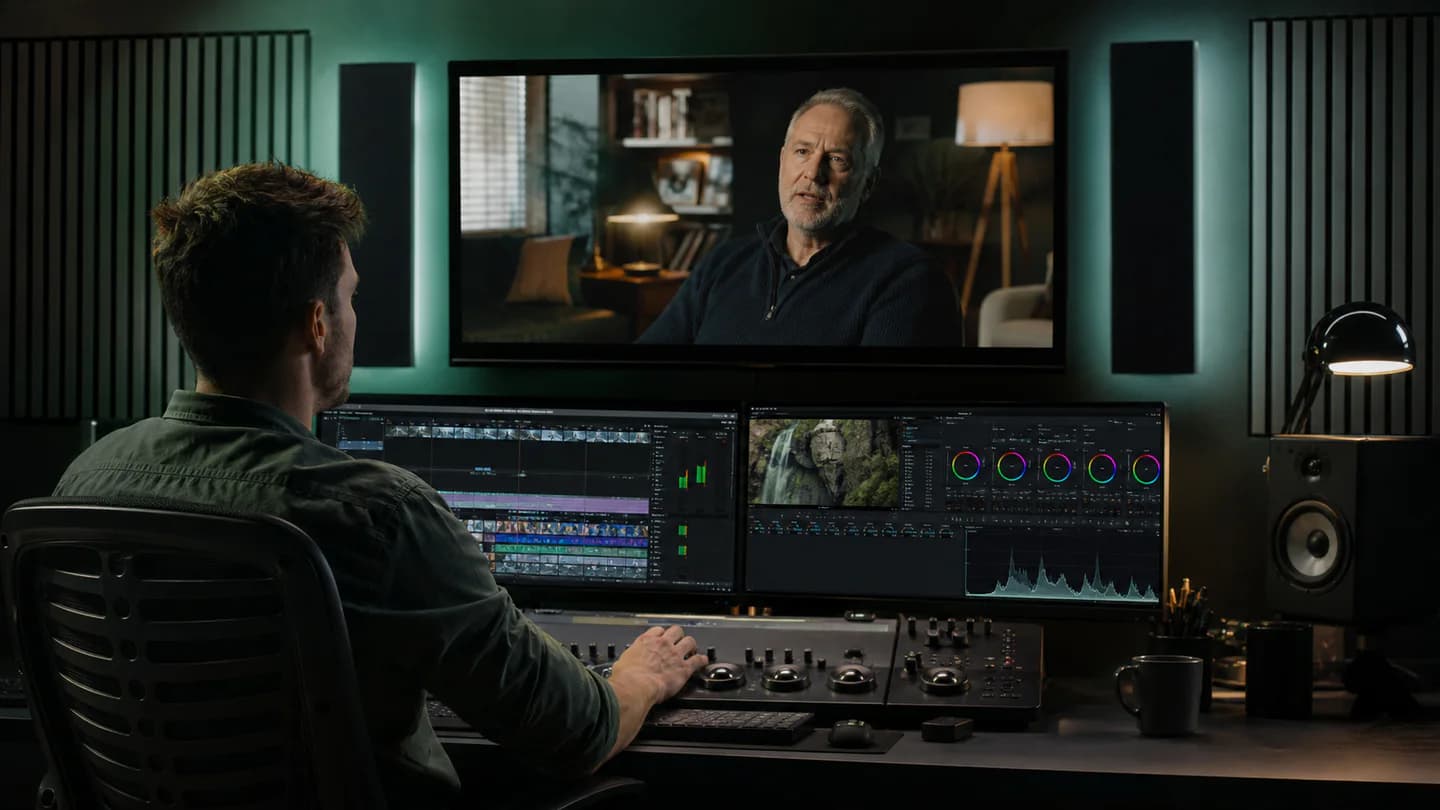
A professional editor finding short-form highlights in a long interview
Long video to short clips Preview

Quick answer

How do you turn a long video into short clips with AI?

Upload the long video, choose an analysis model, review ranked hooks and transcript-based suggestions, then refine captions, framing, and timing before exporting approved vertical or square clips.

Best for
Podcasts, interviews, webinars, tutorials, founder content, and YouTube repurposing.
Starts with
An owned long-form video and the analysis model you want to use.
Produces
Editable short-form clips with captions and 9:16, 1:1, or 16:9 delivery options.

What you can produce

Ranked highlight and hook suggestions
Editable transcripts and word-timed captions
9:16, 1:1, and 16:9 delivery formats
Durable processing for large uploads

How the workflow works

  1. 01Upload a podcast, interview, webinar, tutorial, or campaign recording.
  2. 02Choose Clipper Autopilot, GPT-5 mini, Gemini, or the local analysis option.
  3. 03Review suggested highlights, silence, fillers, captions, and reframing.
  4. 04Keep full editorial control, then export a channel-ready MP4 master.

Built for repeatable creative work

Podcast clips
Founder interviews
Webinar highlights
YouTube-to-Reels workflows

Frequently asked questions

Does Editing App automatically publish the clips?

No. The current workflow prepares private, editable exports so you can approve every cut before publishing.

Does AI permanently cut the original video?

No. Analysis produces suggestions. Your source remains private and your trim, caption, crop, and audio decisions stay editable.

Which short-form formats are supported?

Projects can be prepared for vertical 9:16, square 1:1, and landscape 16:9 outputs used across TikTok, Reels, Shorts, Facebook, and YouTube.

Can I choose the analysis model?

Yes. Use Clipper Autopilot or an approved GPT, Gemini, or local analysis option before running analysis.

Continue exploring

Connect this workflow to the complete creative suite.