AI Product Photography for Ecommerce: A Practical Creative Workflow
Plan AI product photography for ecommerce with accurate references, listing shots, lifestyle scenes, prompt briefs, channel crops, and commercial QA.
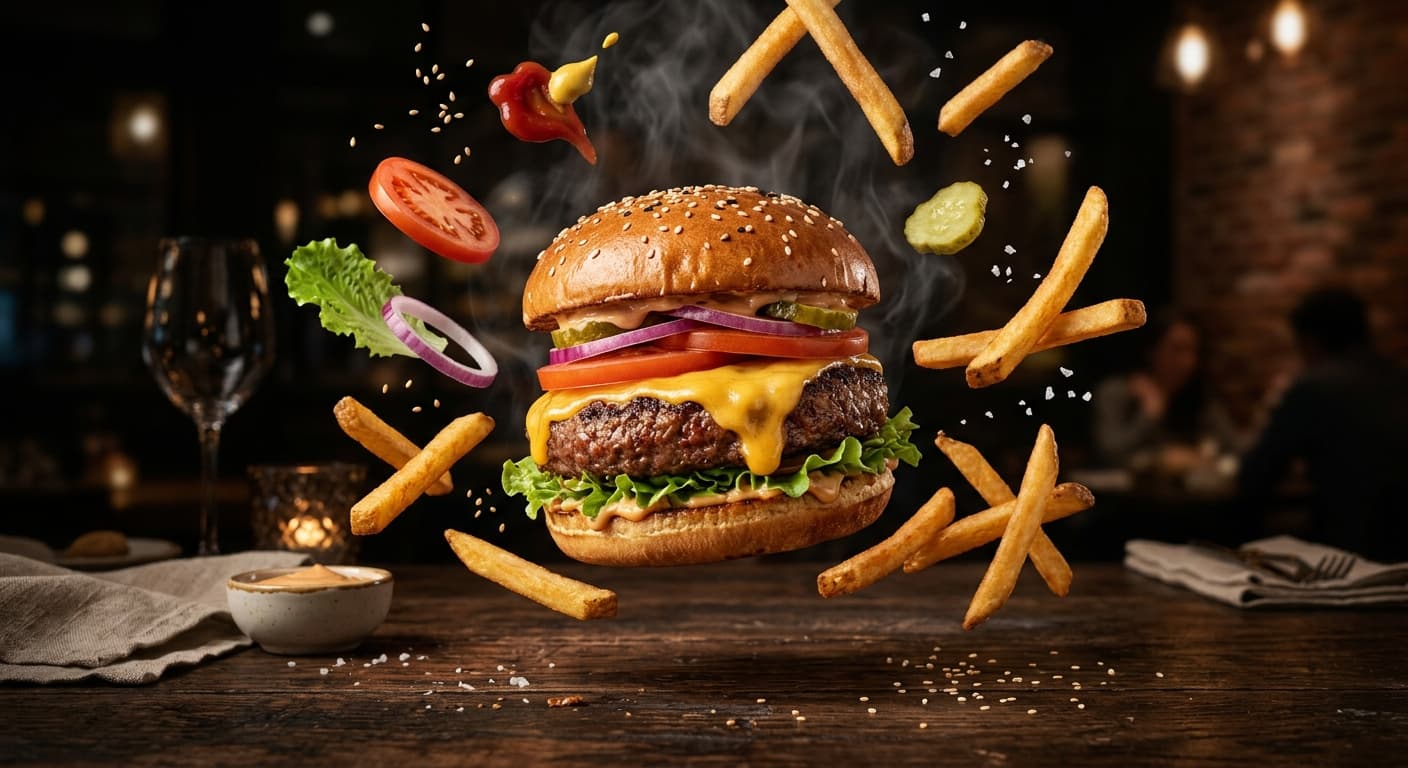 AI-generated editorial illustration
Key takeaways
- Start with customer questions and channel requirements, not visual style.
- Keep an approved product reference and a factual constraint list.
- Separate catalog truth from campaign art direction.
- Use a consistent QA checklist across every generated variation.
Start with the images a buyer needs
A dramatic hero image cannot replace a complete product set. Buyers need to understand the item, scale, material, included parts, use, and important detail before they can trust a listing. Plan the shot list around those questions.
Create the factual images first: clean front view, alternate angles, detail or texture close-up, scale reference, packaging, and what's included. Lifestyle and seasonal images support desire, but they should not hide information the customer needs to evaluate the product.
- Catalog: Clear product-first views for product pages and marketplaces.
- Detail: Material, finish, controls, texture, ingredients, or craftsmanship.
- Scale: A truthful reference that helps the buyer understand dimensions.
- Lifestyle: The product used by the intended audience in a believable setting.
- Campaign: A visually distinctive concept with copy-safe areas and channel crops.
Protect product truth with a reference pack
Collect the highest-quality approved product images, logo files, brand colors, packaging references, dimensions, and a list of details that must not change. Photograph multiple angles when the model needs to understand a distinctive shape. For reflective or transparent items, include a clean reference where the silhouette and label remain readable.
Create a factual constraint block before writing art direction: exact product color, number of items, cap or handle shape, label wording, material, and included accessories. The generated scene can be imaginative; the commercial facts cannot be invented.
Write prompts like a photography brief
Name the shot type, customer, environment, composition, camera angle, light source, surface, material behavior, palette, and crop. Include the intended channel so the model can reserve space for interface overlays or ad copy.
Example: “Portrait product ad for a premium amber fragrance bottle, exact bottle shape and label preserved from the reference. Bottle upright on dark wet stone, soft warm backlight passing through the liquid, cool low-contrast background, realistic contact reflection, empty upper-right area for approved copy, 4:5 crop.” This brief makes the product constraint separate from the scene direction.
Choose the model by the shot
Use a reference-aware, instruction-faithful route when product identity is the main risk. Use a photoreal route for material, light, and lifestyle imagery. Use a design-led route for graphic layouts and campaign composition. A fast model is valuable for exploring several directions before a premium final pass.
Do not force one model to produce the full catalog. A clean cutout, a photoreal lifestyle scene, and a text-led sale graphic can use different workflows while still sharing the same approved reference and brand rules.
Use background removal as a production layer
A high-quality transparent master makes the product reusable across listing backgrounds, campaign scenes, retailer templates, and seasonal layouts. Remove the background from the best approved reference, inspect the edge on light and dark colors, and keep that master separate from final composites.
When placing it into a generated environment, match perspective, light direction, color temperature, contact shadow, reflection, and scale. Otherwise a technically accurate product still looks pasted into the scene.
Run commercial QA before publishing
Compare every generated asset with the approved product and source page. Check shape, color, logo, label, quantity, included items, dimensions, claims, legal copy, and the apparent use of the product. A polished render can still be commercially wrong.
Review channel crops at their final size and confirm the focal subject, copy-safe area, and mobile legibility. Keep records of the source reference, prompt, model, selected output, and human approval. That audit trail helps teams correct mistakes and repeat successful directions.
Measure a useful creative system—not image volume
The goal is not to generate the most images. Track how quickly a brief reaches approval, how many outputs need repair, which assets improve click-through or conversion, and whether returns or customer questions reveal a misleading visual.
Build reusable recipes by product category and channel. A documented lighting setup, crop system, prompt structure, and QA list can turn one successful campaign into a repeatable workflow without making every product look identical.
Frequently asked questions
Can AI product photos replace a real photoshoot?
They can reduce the need for some listing variations, backgrounds, and campaign concepts, but a trustworthy approved product reference is still essential. Complex materials, fit, safety details, or regulated claims may require conventional photography and specialist review.
How do I keep the product accurate?
Use a high-quality reference pack, isolate the details that must not change, choose a reference-aware workflow, and compare every output against the source before approval.
What product images should an ecommerce page include?
A useful set typically covers clean product views, alternate angles, detail, scale, packaging or included parts, and believable use. Exact requirements depend on the product and marketplace.