Start with a clear photo.
Choose studio, cinema or vintage album styling. Upload one clear, evenly lit selfie without strong filters.
AI RETRO PORTRAITS
Your face, a different decade. Reimagine your selfie as an 80s studio portrait, cinematic still or vintage keepsake.
One face, good light, no sunglasses. A clear selfie makes the best starting point.
Both use one portrait allowance. High detail may take longer. Output: 1024 × 1536 PNG.
1 portrait from your daily allowance · Email verification before generation
A different decade.
A new way to see yourself.
FROM YOUR PHOTO TO YOUR NEXT FAVORITE
Choose studio, cinema or vintage album styling. Upload one clear, evenly lit selfie without strong filters.
Check the displayed credits before submitting. Compare facial details, clothing and edges with your original once processing finishes.
Save a 1024 × 1536 PNG or a labeled before-and-after. Your images stay out of public galleries unless you choose to share them yourself.
EXPLORE THE LOOKS
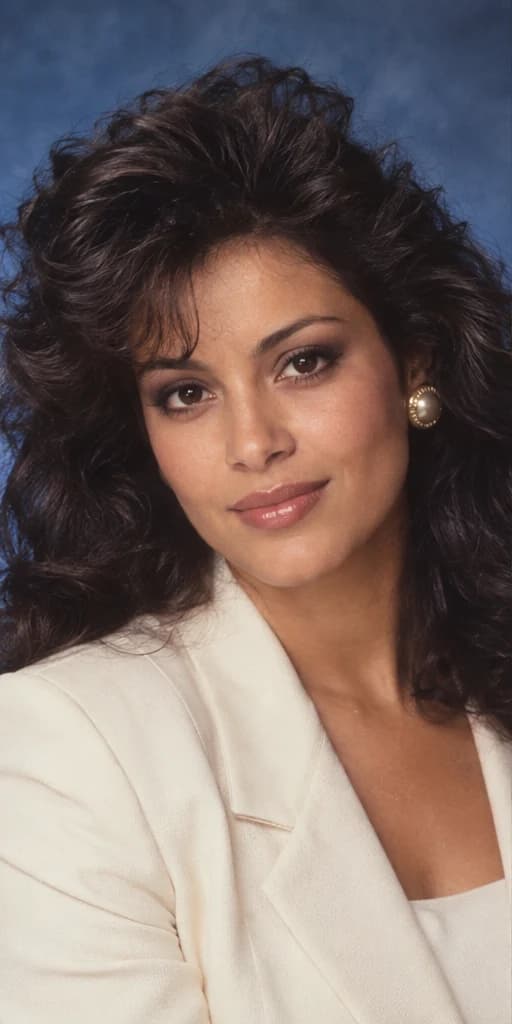
Big hair. Soft flash. Main character energy.
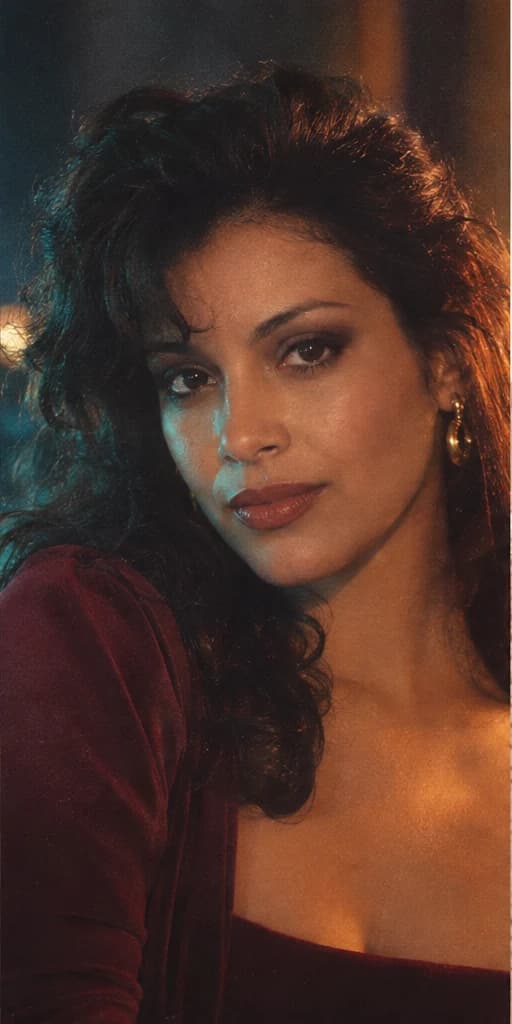
Moody light, rich colors, a little drama.

Warm tones. Sunday afternoons. Pure nostalgia.
AI-created fictional demonstrations. These illustrate intended styles and are not outputs from tested user generations.
A vintage filter mostly changes color and texture. The retro portrait studio can restyle clothes, hair, background and light while asking the model to preserve your recognizable identity. Each preset supplies a coherent photographic direction, so you do not need to write a prompt.
Facial likeness is not guaranteed. Review the eyes, mouth, skin tone and distinctive features rather than judging only the overall style. Choose a photograph you have permission to edit and label shared results as AI-created.
Use a still JPG, PNG or WebP under 4 MB, at least 256 × 256 pixels and no more than 16 megapixels. Export HEIC images as JPG first. Your preview stays in the browser until you generate; submitted photos are processed through fal and stored privately in Supabase. Access expires after 24 hours. Automatic deletion requires scheduled cleanup; manual deletion is available after processing. Read the photo privacy notice.
The studio shows the allowance or credits available to your account before generation. Standard images use 3 credits and high detail uses 8 under credit plans. A confirmed failure restores credits with their original expiry. An uncertain request keeps its reservation. Use Check request after an interruption instead of submitting another billable generation. Compare credit plans.
PHOTO GUIDE
Explore three original 80s AI photo prompts, compare studio and cinematic styling, and learn how to turn a selfie into a believable retro portrait.
Image: AI-created style demonstrationPHOTO GUIDE
Choose a clearer selfie, avoid common upload problems, and check your AI portrait’s facial details before downloading a retro photo or before-and-after.
Image: AI-created style demonstration