AI cartoon videos from your prompt or character images
Turn a prompt or uploaded character artwork into a short animated film with AI-designed characters, editable actions, spoken dialogue, and a private MP4.
ETA product guide · Updated

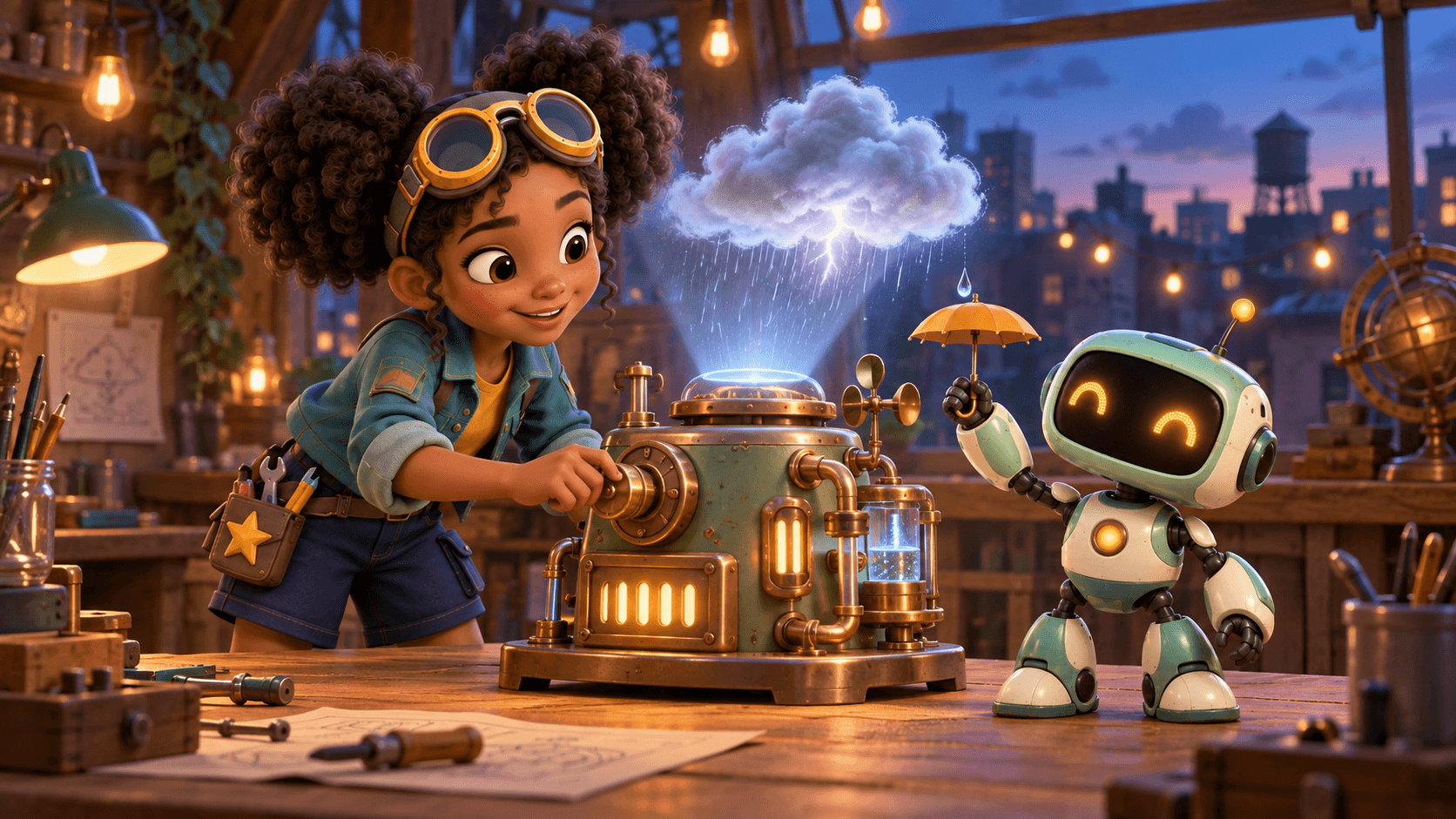
Pip and Moss test the weather machine
Illustrative cartoon artwork; not a live generation result.
Use polished character references throughout your film
Review your cast and editable story before paying for animation
Start with an original prompt or your own character artwork
How to create your video
ETA’s AI cartoon studio creates a short animated film from a story prompt or your own character artwork. AI prepares up to three characters and an editable scene plan with actions, camera directions and dialogue. Choose character-reference animation to review portraits first, or a direct-prompt model that skips image generation. Review the text storyboard and approve animation separately. Exact appearance, spoken words and cross-scene voice consistency are not guaranteed.
- Step 1
Describe a small, clear story
Name the characters, setting, problem and ending. Choose 15, 30 or 60 seconds and a vertical or landscape canvas. Pick Cinematic 3D, Hand-drawn 2D, Anime or Clay animation as art direction. A focused adventure with a few actions is easier to review than a crowded list of events.
- Step 2
Choose your model and review the estimate
Choose a model, its supported resolution and, for Kling V3 Pro, sound on or off. Reference models let you upload up to three authorized character images and generate cast portraits. Direct-prompt models skip images and create a text story for review. Each shows its story and animation credit costs before confirmation.
- Step 3
Refine the actions and spoken lines
Edit scene actions, settings, camera directions, sound and dialogue. Keep conversations brief: each scene supports up to two dialogue lines and at most two spoken words per second. The approved cast is locked during story editing; start a new project if you want to redesign the characters.
- Step 4
Animate, review and download
Confirm the separate animation cost. ETA generates scenes from character references or text descriptions, preserves audio when selected and joins them into an MP4. Follow progress in Jobs and return when it finishes. Watch the complete film for visual drift, pronunciation and lip sync before you publish it elsewhere.
What you can create
- Up to three AI-designed or image-guided characters using GPT Image 2.5 Sunburst on fal
- Editable scene actions, camera directions, sound and dialogue
- Model menu: character-reference animation or direct-prompt MiniMax H3 Max Turbo, Kling V3 Pro and optional Seedance 2.5
- 15-, 30- and 60-second films in landscape or vertical; resolution options depend on the selected model
- Saved projects, background progress, cancellation and private downloads
Know the limits before you generate
- Exports finished video, not editable 3D models or rigs. Direct-prompt models skip portraits and do not accept character-image uploads.
- Character consistency is reviewed and improved, not guaranteed to be perfect.
- English dialogue and generated lip sync can vary; exact words and voice continuity are not guaranteed. Review before publishing.
- Live generation requires a migrated database, deployed cartoon worker, provider access and credits. No automatic captions, editable rigs or per-scene rerendering in this release.
Ideas to get you started
An original character adventure
Give a small cast one problem to solve. For example, two penguins can build a kitchen-utensil flying machine, attempt a launch and react to a pancake landing. This is a prompt idea, not a claimed output example.
An illustrated concept with dialogue
Turn a fictional conversation into a short lesson or explainer. Write the key idea plainly and review any factual statements yourself. Simple, short lines leave more room for visible actions and reactions.
Animation from your character artwork
Use your own mascot or drawing as a reference instead of describing everything from scratch. Keep one character clearly visible per upload. Reference guidance helps preserve recognizable details but does not ensure an exact reproduction.
Questions, answered
How much does a cartoon cost in credits?
Direct-prompt story planning costs 2 credits, with animation priced by model, duration, resolution and supported audio choice. The estimate appears before each stage. Reference-mode cast and story creation costs 40 credits. Kling O3 Pro · character reference animation costs 8 credits per second, so a 15-second film uses 120 animation credits, or 160 with a new cast and story. Seedance 2.5 · character reference, when enabled, costs 24 animation credits per second.
Which images can I upload for a character?
With a character-reference model, upload up to three PNG, JPG or WebP images, no more than 8 MB each. Use one clear character per image and name it in the studio. Prompts and submitted reference images are sent to AI providers to create the film.
Does the finished cartoon include speech and captions?
Audio-enabled cartoon scenes use generated English dialogue and sound. Kling V3 Pro also offers silent output. Exact words, pronunciation, lip sync and voice continuity can vary. Automatic subtitles are not included in this workflow. Watch and listen to the result before sharing it.
Can I export a 3D character or regenerate one scene?
No. The download is a finished MP4 at the selected model-supported export resolution, not an editable 3D model or animation rig. Individual-scene regeneration, voice cloning and a reusable cross-project character library are not included. Rendering the film again is another paid job.
What happens to credits if animation fails or I cancel?
A failed or confirmed cancelled stage returns that stage’s reserved credits. A successfully completed cast-and-story stage remains charged if a later animation is cancelled. Running jobs release their reservation after the worker stops; a stop request may not halt provider work immediately.